
MCP Servers will change AI Integration forever
Tue Jan 06 2026
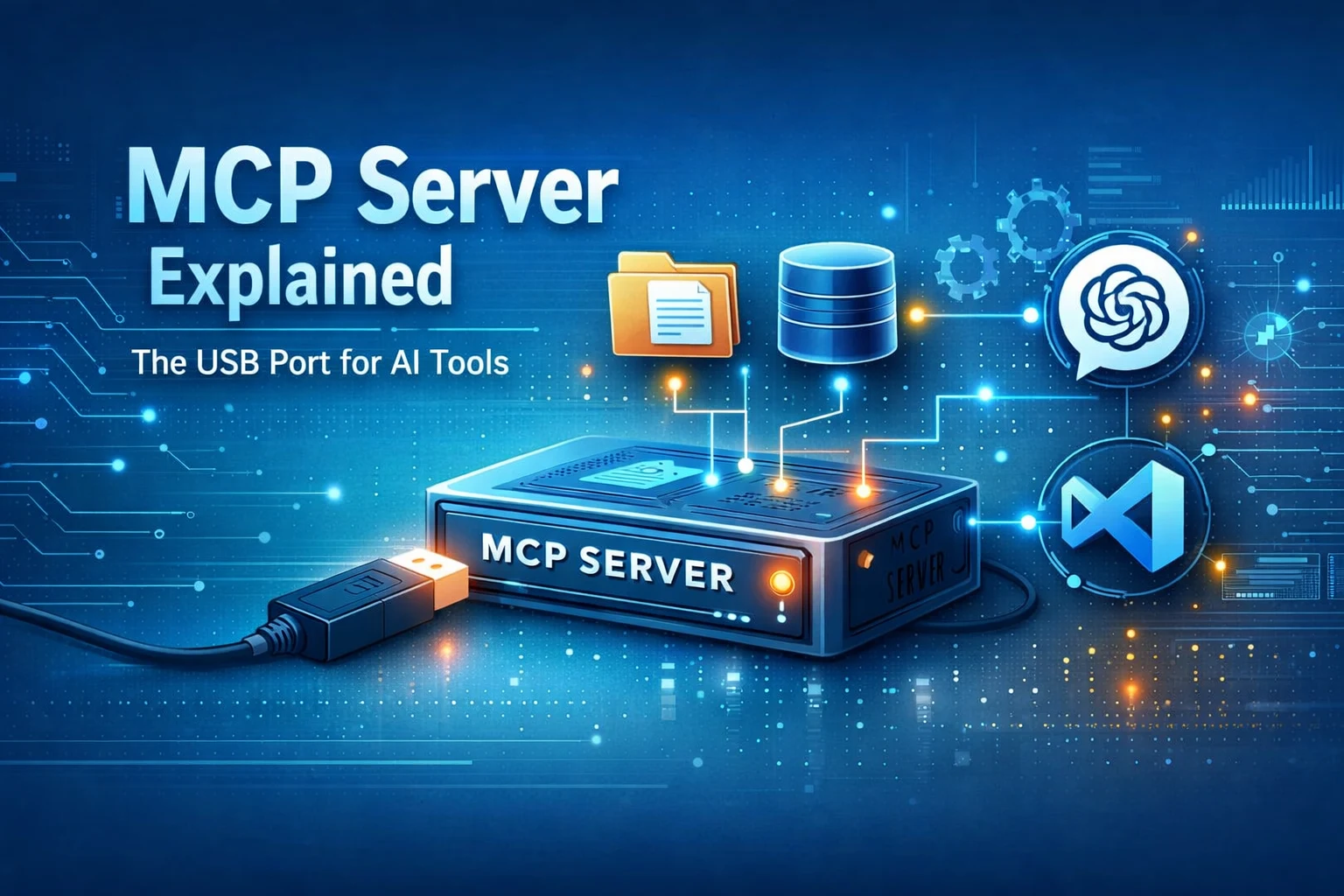
MCP Server — The USB Port for AI Tools
In the age of AI, the term MCP Server keeps popping up everywhere.
So what exactly is it?
Is it a framework? An architecture pattern?
Let’s break it down in the simplest way.
What Is MCP?
MCP (Model Context Protocol) is an open standard from OpenAI that allows:
- AI clients (ChatGPT, VS Code, CLIs)
- To access external tools and data
- Using standardized MCP-compatible servers
Think of MCP like USB for AI:
If a tool is MCP compatible, any AI client can plug into it.
Why MCP Exists?
MCP gives us:
- Consistent communication format
- Secure interactions
- Plug-and-play tools
- Cross-LLM compatibility
One server → works with multiple AI platforms.
Core Components of MCP
1. MCP Client
Where the AI runs:
ChatGPT, VS Code, terminal tools, or your own software.
2. MCP Server
Provides access to:
- APIs
- Files
- Databases
- Functions, scripts, and workflows
All wrapped in MCP’s common format.
3. Protocol Messages
The “language” between client and server:
- list tools
- fetch resource
- call tool
- stream events
Practical Things an MCP Server Can Do
Examples of capabilities you can expose:
🗄️ Read/write files
🔎 Search organization documents
📬 Fetch emails
💳 Call internal microservices
⚙️ Run command-line scripts
📊 Query SQL/NoSQL databases
🤝 Integrate Jira, GitHub, Slack, Notion, etc.
This changes AI from answering questions → taking actions.
Why Teams and Developers Should Care?
- Faster integration across AI tools
- Shared, reusable tool modules
- Security control: expose only what you allow
- Zero vendor lock-in
- Future-proof: works with multiple AI systems
Build the Simplest MCP Server in Python
Install the SDK:
pip install mcp
Create simple_mcp_server.py:
#!/usr/bin/env python3
from mcp.server import Server
from mcp.types import TextContent, Tool

server = Server(name="simple-mcp")

@server.resource("hello.txt")
async def hello_resource():
    return TextContent("Hello from MCP resource!")

@server.tool(
    Tool(
        name="echo",
        description="Return back whatever message you send",
        input_schema={"type": "object","properties":{"message":{"type":"string"}},"required":["message"]}
    )
)
async def echo_tool(message: str):
    return TextContent(f"You said: {message}")

@server.tool(
    Tool(
        name="add",
        description="Add two numbers",
        input_schema={
            "type": "object",
            "properties": {"a": {"type": "number"}, "b": {"type": "number"}},
            "required": ["a", "b"],
        },
    )
)
async def add_tool(a: float, b: float):
    return TextContent(f"{a} + {b} = {a + b}")

if __name__ == "__main__":
    server.run_stdio()
How this Server Works?
Resources
-
hello.txt- Read-only
- Discoverable by AI
Tools
echo→ returns your messageadd→ simple math Both enforce a JSON schema for safety.
Minimal surface
The AI only calls what you expose.
Running the Server
python simple_mcp_server.py
MCP servers do not expose HTTP endpoints. Instead, they communicate using:
STDIN ←→ STDOUT
ChatGPT or VS Code launches your script and exchanges JSON messages over pipes.
Connect Your MCP Server to VS Code
✔ Prerequisites
- VS Code
- Python 3.10+
- MCP SDK installed
Step 1: Install Extension
Open VS Code → Extensions → Search Model Context Protocol → Install
Step 2: Create Folder
~/mcp-test/
Open it in VS Code
Step 3: Add Settings
Create:
.vscode/settings.json
Add:
{
  "mcpServers": {
    "simple-mcp": {
      "command": "python",
      "args": ["simple_mcp_server.py"]
    }
  }
}
Step 4: Load Server
Open Command Palette → MCP: Reload Servers
VS Code should detect:
hello.txtechoadd
Step 5: Try a Call
Send:
{
  "tool": "echo",
  "params": { "message": "Hello VS Code!" }
}
You’ll see:
"You said: Hello VS Code!"
Why MCP Is a Game Changer?
MCP is the foundation for AI-native engineering.
Soon:
- Companies will run many MCP servers
- AI systems will orchestrate them automatically
- Developers won’t bolt AI onto APIs — they’ll build tools for AI
Final Thoughts
MCP transforms AI from a passive assistant into a powerful system operator. With just a few lines of code, your AI can read files, trigger scripts, and talk to real systems.
Happy building — and welcome to the future of AI tooling 🚀